
Wireless DMX Transmitter & Receiver Guide
Choosing a wireless DMX transmitter and receiver comes down to four numbers: band, latency, protocol and failure mode. Here is how to read them before you buy.
Choosing a wireless DMX transmitter and receiver is not a feature-list exercise, because the thing you are buying is a stand-in for a cable, and DMX512, the cable you are replacing, carries no error correction of its own. Every bit of reliability in the system therefore lives in the radio link, and the two numbers most listings print loudest ("126 channels", "no delay") tell you almost nothing about it. Four numbers do: the radio band and how crowded it is where you work, the latency your cues can absorb, whether the protocol layer is one you can mix with other people's gear, and the power source and what happens when the link drops.
This page walks through those four as Steps 1 to 4, then adds two more steps that put the numbers onto a real rig — budgeting the antenna and the site, and proving the link on site before doors. It finishes with nine clauses you can put in front of any supplier, because a wireless DMX link that fails at load-in is an inconvenience, and one that fails at minute three of the show is a review you never recover from.
This is written from the factory side, with the same disclosure we keep on every control-layer article: PILEDS builds Art-Net, DMX512 and SPI controllers and decoders (the boxes a wireless receiver hands its DMX output to), and we do not make wireless DMX transmitters or receivers. So nothing below is a pitch for a radio we sell. Where a number comes from a standard, a regulation or a manufacturer's own document, the source is named and linked; where it comes from our line, it is labelled that way.
What a Wireless DMX Transmitter and Receiver Actually Replaces
Start with the cable, because its limits become your purchase criteria.
A DMX512 link is unidirectional and unacknowledged. The console broadcasts a packet (a break, a mark-after-break, a start code, then up to 512 data slots) and simply keeps broadcasting, roughly 44 times per second when a full 512-slot packet is in flight. A receiver has no way to tell the transmitter that a frame arrived corrupted, and the protocol specifies no retransmission. This has been true since the 1986 USITT DMX512 standard, and it is unchanged in ANSI E1.11: DMX512 is a broadcast, not a conversation (Wikipedia's DMX512 entry summarises the refresh behaviour; the standard itself is ANSI E1.11-2024, the current edition). On copper, that is usually fine — a competent RS-485 line has very low bit-error rates, and when a section of cable does misbehave you can see, touch and re-plug it.
A radio link does not give you that. It inherits the same unacknowledged frames and then adds an environment you cannot see: Wi-Fi access points, in-ear monitor racks, wireless mics, camera transmitters, and the bodies of the audience. Every well-designed wireless DMX system handles this with its own error mitigation (frequency hopping, forward error correction, retries inside the radio layer), but the DMX512 protocol sitting on top neither knows nor cares that any of it is happening. That is the whole reason the choice matters so much and why "it says no delay on the box" is not an answer.
Which gives you the frame for the rest of this page. Four numbers decide the choice — Steps 1 to 4 below — and they map to four questions you can put in writing:
- Band: which radio spectrum, and how contested is it at your venue?
- Latency: how much delay does the link add, against what your cues can tolerate?
- Protocol layer: which wireless system, and can it interoperate and pass RDM?
- Power and failure mode: what runs it, and what the rig does when the link breaks?
If you are new to the layer above this one (how protocols sit on top of driver ICs and what pixel density means for a spec), the stage and touring pixel LED guide covers the whole landscape, and our note on touring stage lighting specs covers the fixture side. This page is the control-link decision underneath both.
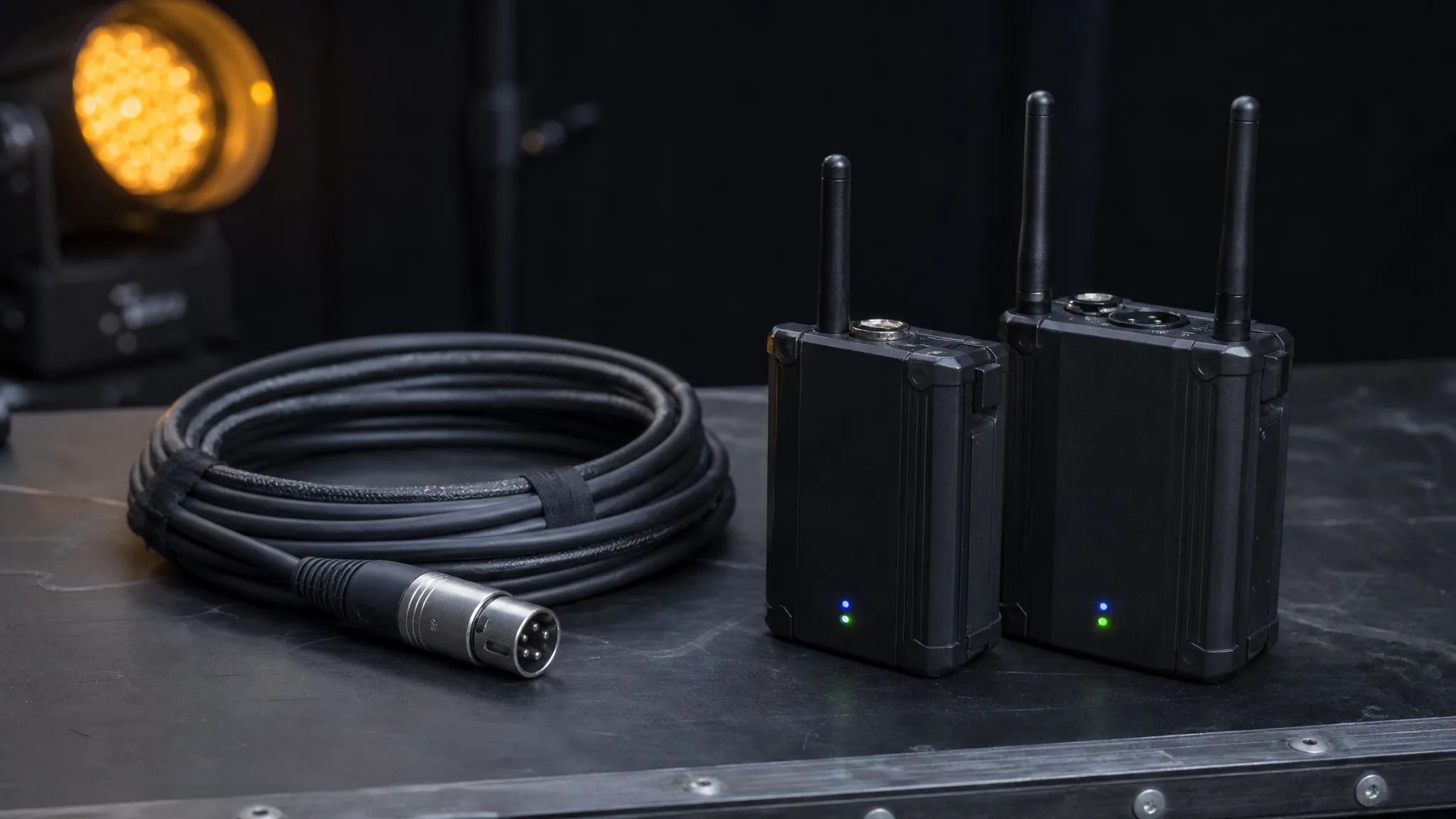
Step 1: Pick the Band, and Check How Crowded It Is Where You Work
Almost every wireless DMX product you will be quoted runs in a licence-exempt band, and the band is the single biggest predictor of how the link behaves on site. There are three in play.
Band | Penetration | Congestion | Notes |
|---|---|---|---|
2.4 GHz | Good | High — Wi-Fi, Bluetooth, microwave, every phone in the room | Default in most entry and mid-range kits; global availability |
900 MHz (902–928 MHz in the US) | Best — walls, bodies, moisture | Low | Regional allocation; check local rules before you buy; lower data rate |
5 GHz | Fair — shorter reach | Low to medium | Newer professional systems use 2.4 and 5 GHz together |
2.4 GHz is the band you will meet, and the crowded one. It is harmonised nearly worldwide, which is why nearly every generic kit uses it — and it is also where the venue's Wi-Fi, the crew's phones, the wireless router in the bar next door and any Bluetooth audio all live. That is not a reason to avoid it; it is a reason to insist the radio does something about it. Ask a supplier how many hop channels the link has, how often it hops, and whether it monitors the band and moves away from a busy frequency while the show is running. A number of cheap kits quote "126 channels and auto frequency hopping" — that figure is the radio's hop-channel count, not a DMX channel count, and it is worth understanding that distinction before it confuses a spec discussion.
900 MHz is the band people reach for in difficult rooms, and the reason is physics rather than marketing: a longer wavelength penetrates scenery, walls and the water in a crowd better than 2.4 GHz does. Its catch is availability. In the United States the 902–928 MHz band is opened for licence-free operation alongside 2400–2483.5 MHz under FCC Part 15.247, which names both bands in one place, but that is a US allocation and other regions do not map onto it. Before you buy a 900 MHz system for a tour that crosses borders, check the rules for every country on the routing, not just the one you are standing in.
5 GHz is the newer move, and it trades range for quiet. Professional systems that run both bands use 2.4 GHz for reach and 5 GHz when the room is full of 2.4 GHz traffic. If your supplier's literature mentions a band choice but not which one the link actually selects and why, that is a question worth asking.
One practical note that has nothing to do with the radio: the hardware consumes one of your DMX universes' worth of addressing conventions either way, so the band choice and the universe budget are separate decisions. Do not let a sales conversation blend them.
The band is not a preference. It is the physical medium your whole show is about to run through, and it is the one part of the rig you cannot touch, re-plug or see.
Step 2: Set a Latency Budget Before You Read Any Spec Sheet
"Zero delay" and "no latency" are on almost every wireless DMX listing, and they are as meaningful as "hi-fi sound". You need a number and a context.
The context comes from DMX512's own timing. A maximum-sized packet (a start code plus 512 data slots) takes about 23 ms to transmit, which puts the protocol's maximum refresh rate at roughly 44 Hz. ESTA, the body that publishes the standard, states the figure plainly: the maximum rate is 44 Hz when 512 slots are being sent, and it can be almost twenty times faster when a packet carries fewer slots (ESTA's note on the ANSI E1.11 refresh rate). At the wire level the link runs at 250 kbit/s, a fixed line rate the standard does not let anyone negotiate.
Two things follow.
First, a full universe is not a fast transport. 44 updates per second is fine for dimmer chases and colour transitions, and it is the reason a strobe effect on a packed universe can look softer than the same effect on a thinner one. If your effects depend on razor-edge timing across 512 slots, the wire itself is already your tightest constraint, and no radio will improve on it.
Second, the radio adds its own delay on top, and the honest figure is small but not zero. Engineered wireless DMX hardware publishes its own end-to-end numbers: LumenRadio states an industry-standard 5 ms latency for the Stardust transmitter, alongside error correction and 128-bit encryption at full refresh rate (Stardust product page), against negligible propagation delay on copper. Treat that as a manufacturer-published figure, not a measurement we took: we do not test radios. What matters is the order of magnitude. A few milliseconds is imperceptible for cue-based lighting and for colour and movement; it is the kind of margin you should not spend on a hard beat-sync with audio or on video-synchronised strobing, where the internet's most common complaint about wireless DMX (visible delay on effects fixtures) actually comes from.
So write your own budget before you read a spec sheet:
- Cue-based lighting, colour, movement, gobo: a few milliseconds is invisible. Any engineered system clears this.
- Audio-reactive and beat-synced effects: ask for the published latency figure in milliseconds and compare it against the frame rate of whatever you are syncing to.
- Video-synchronised pixels or camera-facing strobe: put the wireless link on the shortest possible path, or keep that element wired. This is the case where the cheap kit and the expensive kit separate, and the case where the honest answer is often "do not".
If a supplier cannot state a latency figure at all, that is a factual answer: they have not characterised it, and you are the one who will characterise it, mid-show.

Step 3: Choose the Protocol Layer, Not Just the Radio
Two products can both say "2.4 GHz wireless DMX" and be almost unrelated. What separates them is the layer above the radio, and it decides whether your kit mixes with anyone else's.
Generic wireless DMX is the large family of inexpensive wireless DMX controller and receiver sets that move one DMX universe over a 2.4 GHz radio link with frequency hopping and little else. They work, thousands of them are in service, and for a single fixed rig with no cross-rental and no RDM needs they are a defensible purchase. What you give up is interoperability and diagnostics: they talk to their own family, they generally pass no RDM, and if you need to borrow a transmitter in a strange city you are relying on a parts bin, not a standard.
Engineered wireless DMX is the tier built around coexistence and management. W-DMX and CRMX are the two names you will meet most often: CRMX is LumenRadio's patented wireless DMX technology, built on a scheme that measures the quality of the channels it can see and moves to the best available one rather than holding a fixed schedule (LumenRadio's wireless technology page). W-DMX is the other long-standing protocol family, and the two interoperate on current hardware: the Stardust transmitter linked above is documented as compatible with CRMX and with W-DMX G3/G4s. Both support bidirectional operation, which is what lets RDM ride along: with RDM pass-through you can discover and address fixtures at the far end of a wireless link instead of walking the rig. RDM itself is a published standard (ANSI E1.20, listed alongside DMX512-A in ESTA's published documents), so "does the link pass RDM?" is a checkable question with a checkable answer.
Ask three questions here, and ask them in writing:
- Interoperability. Can your receivers be driven by another manufacturer's transmitter, and vice versa? Some systems deliberately cannot, and cross-rental across a festival site is exactly when that bites.
- Universe capacity. How many universes does one transmitter carry? A single-universe bridge is fine for a small rig and a bottleneck the moment you add a pixel-heavy element.
- Pairing and identity. A colour-matched pairing routine is not the same as an identity system. If any receiver will bind to any transmitter in range, you have a system that can be hijacked by a stranger's console, occasionally a real hazard at shared venues and multi-stage festivals.
Step 4: Decide the Power Source, and the Failure Mode That Matters More
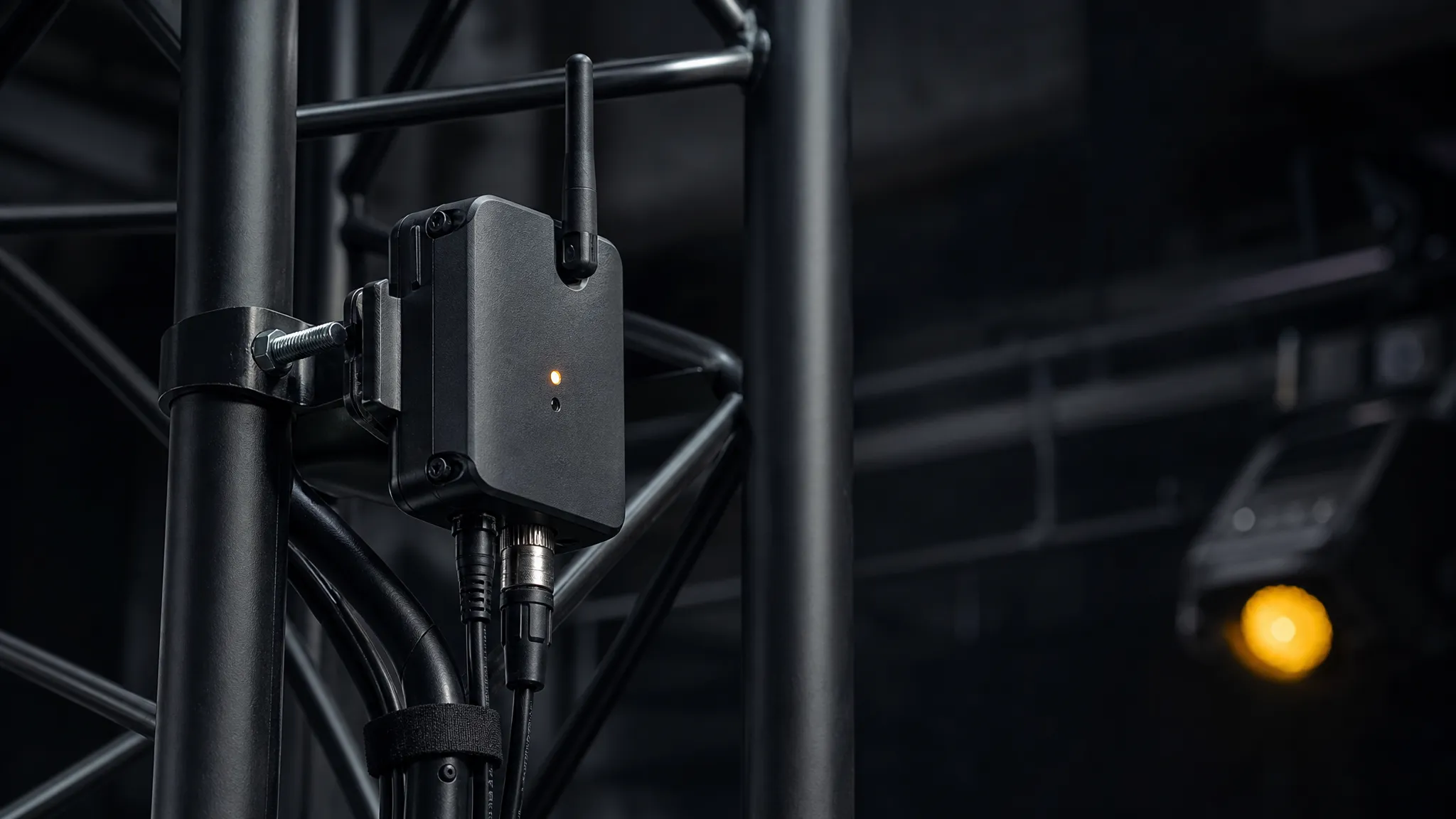
The power question looks like the easy one, and it is not the interesting one. Battery versus mains is a convenience decision; what happens when the link drops is a show decision.
On power: rechargeable receiver packs are a genuine improvement on a touring rig, because the alternative is a mains drop at every truss position, which is exactly the cable you were trying to remove. The trade is management: a pack rated for eight hours needs a charger discipline and a spare, and anyone who has run battery radio mics knows the shape of that problem. A wireless DMX receiver that clips onto a fixture and takes USB power gives you a third option: the radio stays on site, and only the DC comes from a local supply. None of these is wrong; the failure to avoid is the one where a receiver's battery dies because nobody owns the charging routine.
On the failure mode, the question to ask is blunt: when the link drops, does the rig hold its last look, or does it black out? DMX512 itself defines a receiver's behaviour on loss of data (how long a receiver tolerates missing frames and how it resumes accepting them), and a well-engineered receiver will implement that as a deliberately chosen state rather than an accident. That matters because the two behaviours produce very different failures. A hold-last-look rig leaves you with a static stage you can talk over; a rig that drops to black in the middle of a number is unrecoverable in front of an audience.
Where the link hands off to the fixture side matters too. The receiver's DMX output is an ordinary DMX512 signal, so it wants an ordinary DMX512 input: a decoder or controller that speaks the protocol natively. Our own DMX512 decoder is that hand-off point in our range, and it is the only place wireless DMX touches our product line at all: we make what receives the DMX, not the radio that carries it. If your fixtures are addressable pixels rather than DMX-native, the decoder is where that conversion happens, and the difference between decoder types is covered in our addressable LED driver IC guide.
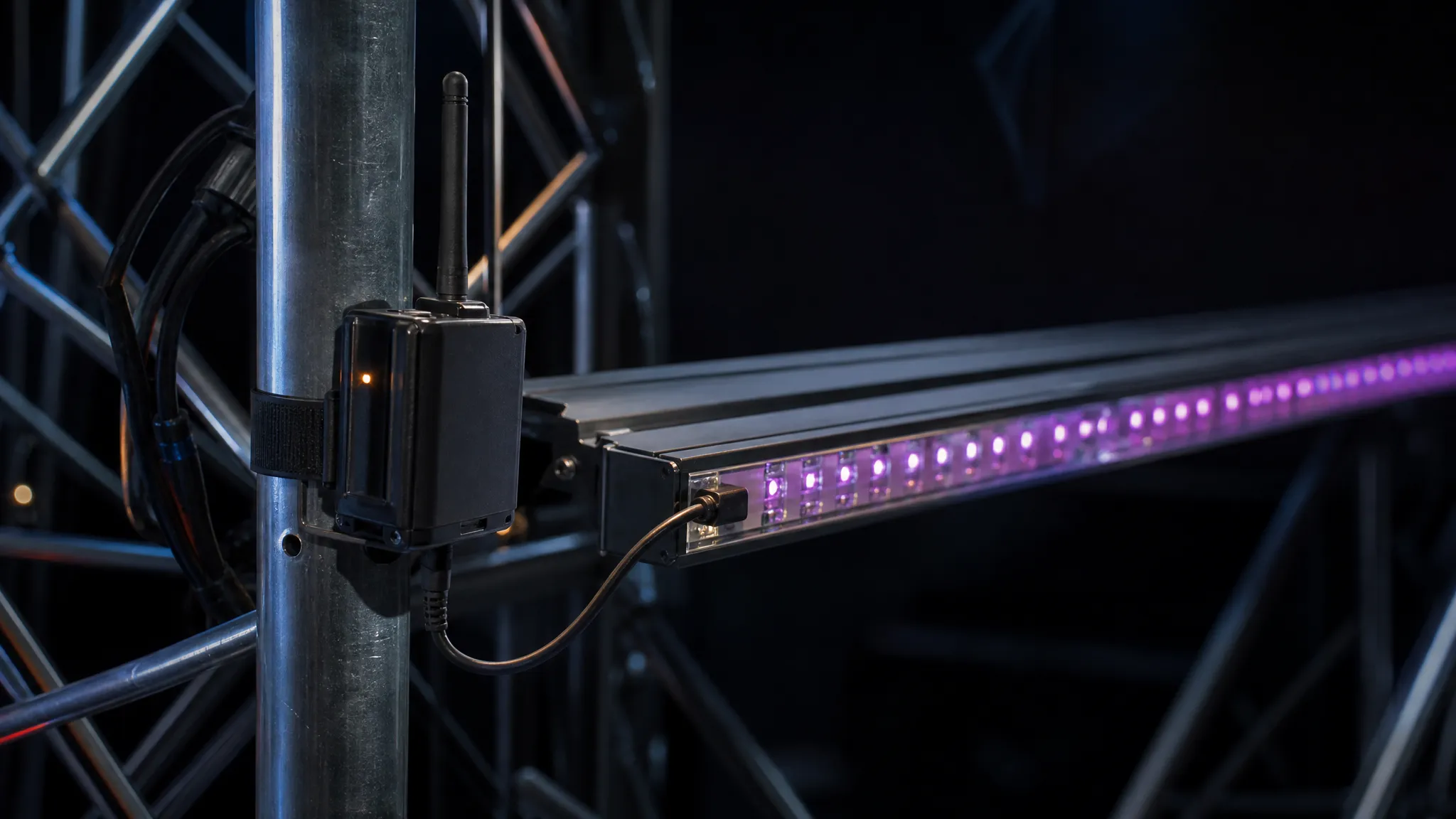
Step 5: Budget the Antenna and the Site, Not Just the Range Claim
"200 m" and "500 m" are quoted on every box and describe a straight line in a field. Your venue is not a field.
Three factors eat the number before the doors open. Line of sight is the first: a radio path through a lighting truss full of aluminium, a video wall and a 2,000-person crowd is not the path the brochure measured. Bodies and moisture are the second: a full room attenuates radio at both bands, more so at 2.4 GHz. That is why a link that walked perfectly at 09:00 when the room was empty can behave differently at 21:00. The rest of the RF world is the third: if the venue already runs Wi-Fi for ticketing and bar tills, you are sharing the band.
The practical translation is short. Get the transmitter and receiver as high and as clear as you can, on the antenna you were sold rather than a stub you substituted, and keep the antenna away from metal and from the back of a rack. If the unit has an external antenna port, use it; a short run of coax to a proper antenna flown above the rig is worth more than any receiver upgrade.
And if you are crossing a long distance, the honest answer is often not a bigger antenna but a shorter hop: a wired run to a truss position, then wireless for the last few metres to the moving elements. That is the same logic we use on the power side in our note on voltage drop over long runs: a single long, thin path is where systems fail, and splitting it shortens the exposure.
For outdoor stages and festivals, treat the enclosure rating as a spec that is separate from the radio. A receiver that is perfectly happy on a covered truss is not automatically happy in rain, and the IP number printed on the unit is the only part of that claim you can actually verify.
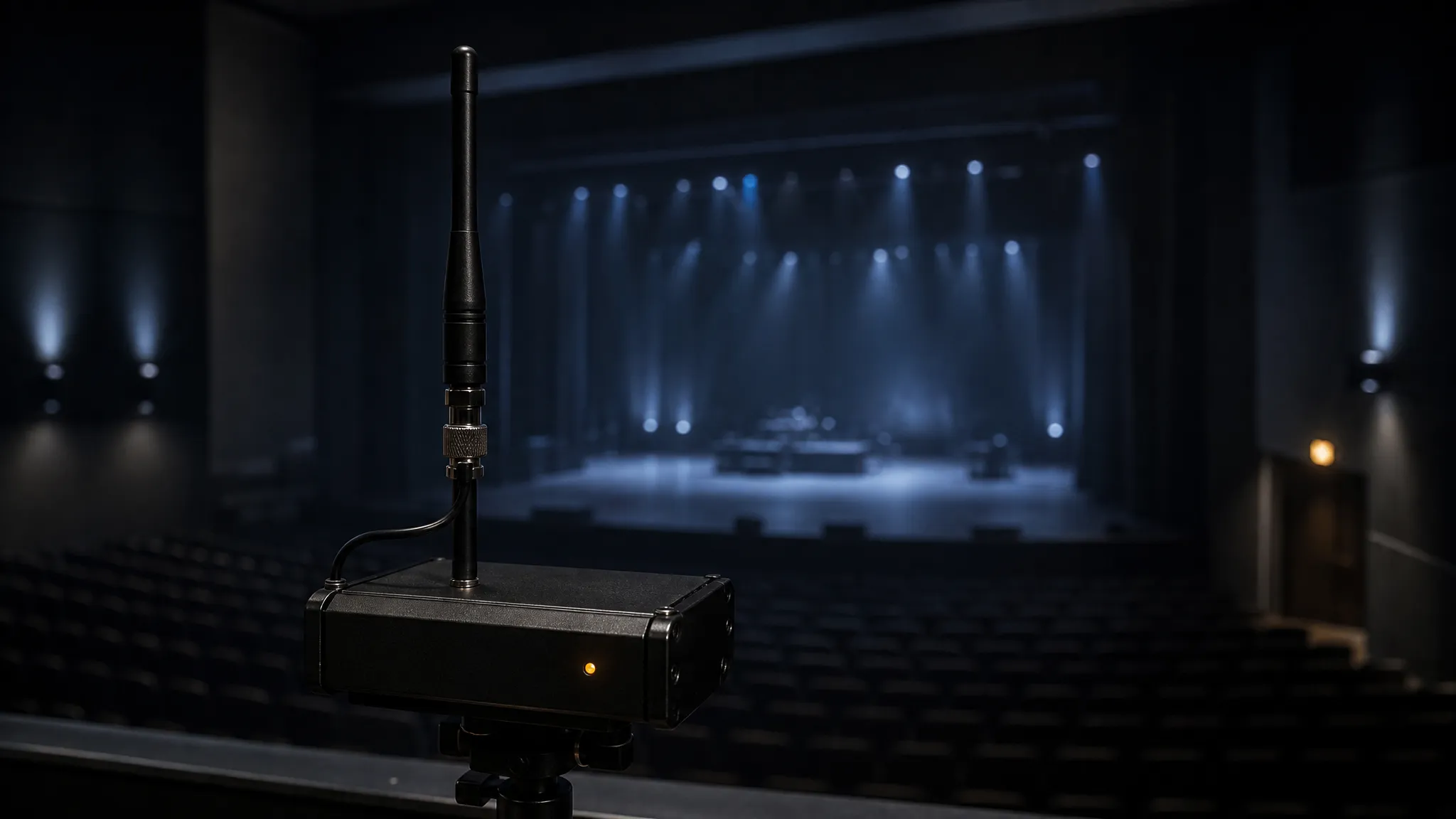
Step 6: Prove the Link On Site Before Doors
A DMX512 wireless control link that has never been walked is a hypothesis. The check takes fifteen minutes and it is the step most crews skip.
- Pair everything first, at the desk. Match each transmitter/receiver set to a known grouping and write the mapping down. Finding out at position that two receivers are on the same colour is finding out too late.
- Walk the room while the rig is live. Send a value to each position with the console, then walk the audience area, the balconies and behind the set and watch for flicker or a position dropping to its fail-safe state. This is the only test that includes the building.
- Do it with the room populated if you can. A soundcheck or a rehearsal with people in the seats is closer to show conditions than a quiet morning.
- Check the DMX end as well as the radio end. Terminate the last fixture in each wired daisy chain, confirm addresses at the far end, and remember that a position can look "wireless-failed" when the real fault is a mis-addressed fixture or an unterminated spur.
- Scan before you commit. If you can see the venue's Wi-Fi channel plan, note it. If the link offers a channel or band selection, choose with that information rather than leaving it on auto and hoping.
- Keep one spare receiver and one spare transmitter — or a single spare DMX transceiver, if your units can be re-configured between the two roles. Radios fail and batteries die. The spare is cheap; the recovery is not.
Our rehearsal checklist for pixel fixtures runs through the rest of the pre-show pass (addressing, colour check, cable dress), and this list is the wireless layer of it.
The rule that survives contact with a real show: wire the backbone, wireless the distance, and never let the wireless link be the only path to a look you cannot afford to lose.
When Wireless DMX Is the Wrong Answer
Most wireless DMX links carry one DMX universe, and the engineered tier carries a handful. That is fine until you do the arithmetic on pixels.
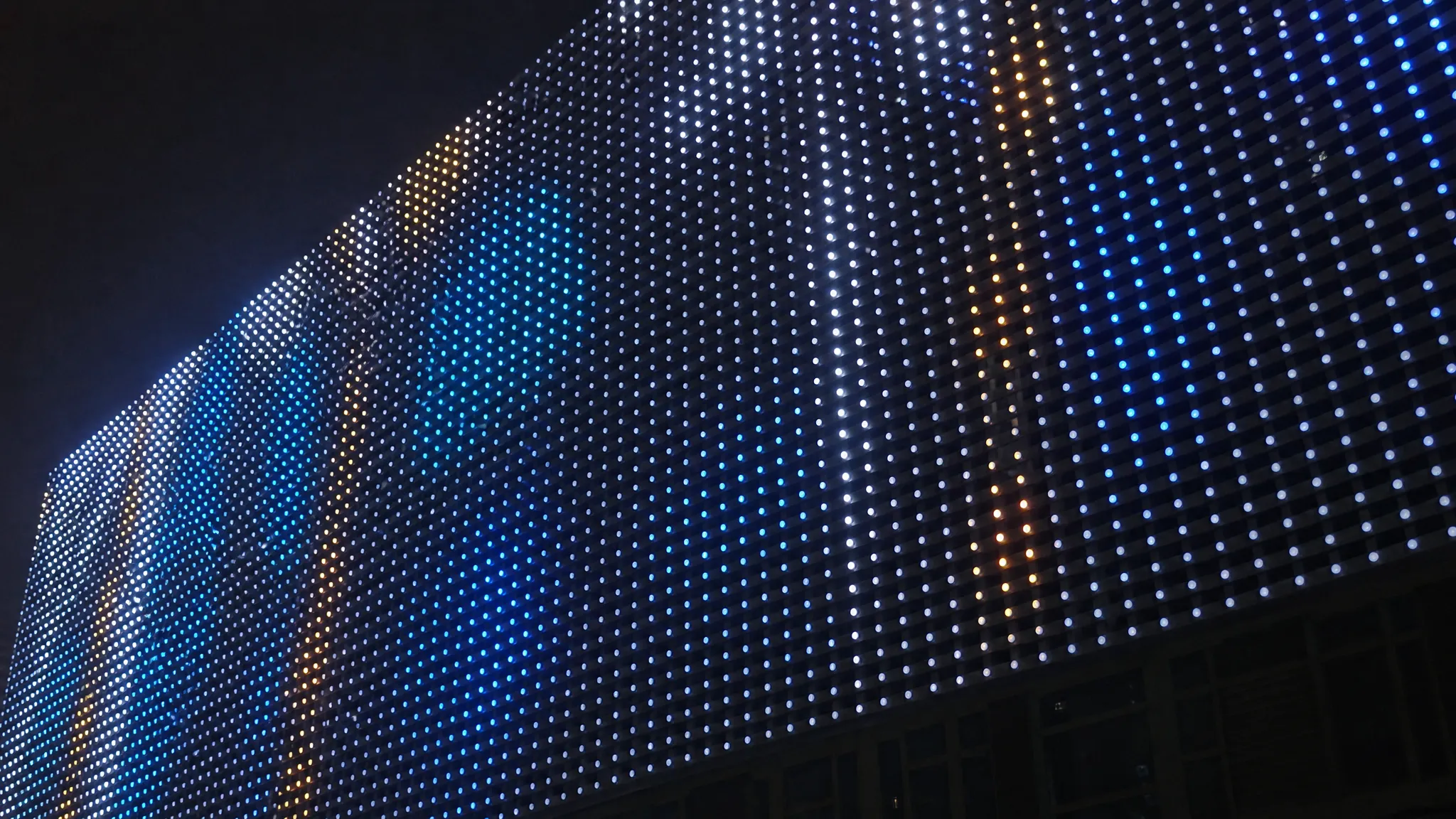
A universe is 512 data slots. A single RGB pixel consumes three of them, so one universe holds about 170 RGB pixels, or 128 if the fixtures are RGBW. A modest pixel wall is several universes before you have started; a facade or a touring video element is dozens. No protocol changes that budget, because the limit is the protocol frame: even the engineered multi-universe tier stops well short — LumenRadio's Stardust, the eight-universe DMX/RDM transmitter linked above, carries at most eight. W-DMX for pixel LED walls is a capacity question before it is a radio question, and asking a wireless DMX link to carry a pixel-heavy rig is the most common structural mistake in this whole category. The failure looks like a link problem when it is a capacity problem.
The right tool at that scale is the network: send Art-Net or sACN over Ethernet and decode to pixels at the far end, keeping DMX512 (wired or wireless) for the last few metres that need it. The decision between a DMX line and a network link is a different decision from the one on this page, and we have written it out separately in DMX512 vs Art-Net, including the channel arithmetic and the port-count logic that settles it.
What is worth saying here is the boundary: wireless DMX is a cable replacement — a universe or a handful, not a pixel backbone — and it is at its best exactly there: a truss position, a moving set piece, a booth at the back of a church hall where nobody is going to pull a 50-metre run. If your plan needs a wireless link to be the backbone of a pixel system, the plan is wrong, and a bigger radio will not save it.
The Nine Clauses to Put in Front of a Supplier
Everything above collapses into a short list. Print it, send it, and see who answers it in writing. The right-hand column is the failure each clause closes.
Clause | What it should say | What it prevents |
|---|---|---|
Band and congestion plan | Which band, and how the link behaves when that band is busy (hop rate, monitoring, band selection) | A link that works at soundcheck and degrades when the room fills |
Band legality by territory | Confirmation the band is licence-exempt in every country on the tour routing | A 900 MHz purchase that is illegal in half the routing |
Published latency figure | End-to-end latency in milliseconds, and the conditions it was measured under | Discovering the delay on effects fixtures during the show |
Protocol interoperability | Whether your receivers work with other manufacturers' transmitters, and vice versa | A festival cross-rental with nothing to plug into |
Universe capacity per transmitter | How many universes one transmitter carries | A pixel element that does not fit the link |
RDM pass-through | Whether RDM rides the link, so fixtures can be discovered and addressed remotely | Walking the rig to find an address fault |
Pairing identity | Whether receivers bind only to their own transmitter, and how the grouping is set | A stranger's console driving your rig at a shared venue |
Power source and runtime | Battery chemistry and runtime, charger discipline, or the mains/USB alternative | A receiver that dies mid-show because nobody owned the charging |
Fail-safe behaviour on link loss | Whether the rig holds its last look or goes dark, and how that is configured | The unrecoverable failure: blackout in the middle of a number |
Two clauses are worth a sentence each, because they are the ones suppliers push back on. The latency figure is not a nice-to-have: a manufacturer who has characterised the radio can state a number, and one who cannot has left you to discover it. The fail-safe clause is the cheapest thing on the list: it costs a supplier nothing to tell you what their receiver does on loss of data, and the answer is the difference between a stage you can talk over and a show you have to abandon.
For the box on the far end of the link — the decoder or controller that turns a DMX output into pixels — our Art-Net and DMX controller range is where those models sit, and it is a fair place to start if you are specifying the whole control chain rather than swapping a cable.
Wireless DMX Questions That Decide a Purchase
Do I need 900 MHz instead of 2.4 GHz? Only if you have a specific reason: heavy obstruction, a very long path, or a 2.4 GHz band that is already saturated at your venue. 2.4 GHz is fine when the link manages the band actively. If you do want 900 MHz, confirm it is licence-exempt where you will use it, because the FCC allocation is one region's answer, not a global one.
Can I feel the latency? Almost never for cue-based lighting, colour and movement. Possibly, for audio-reactive effects, beat-synced strobing and anything synced to video. Ask for the figure in milliseconds and decide against your own cue requirements rather than against a marketing claim.
Isn't "126 channels and auto frequency hopping" enough? That number describes the radio's hop channels, not DMX channels or universes, and frequency hopping alone is not the same as actively monitoring and avoiding congestion. It is a real feature and a weak proxy for coexistence quality.
Should I buy rechargeable or mains-powered units? Rechargeable if the whole point is removing cable runs to truss positions. Mains or USB-powered if the unit stays on site and has a local supply. Either way, decide who owns charging before the first show, not during it.
Can I mix brands across a rig? With engineered systems and cross-rental in mind, sometimes, if both ends speak the same protocol family. With generic kits, rarely. This is the question that pays for itself the first time you need a replacement in a city you do not live in.
Does one wireless link carry my whole pixel rig? No. A 2.4 GHz kit carries one universe and an engineered link a handful at most, while one universe is only about 170 RGB pixels. Pixel-heavy systems belong on Ethernet with Art-Net or sACN, with wireless DMX for the short final hops.
If you are specifying the control chain for a stage or touring rig right now (the wireless hop, the decoder it lands on, and the pixel electronics behind it), send the pixel count, the fixture types and the distances on the contact page. You will get the control-chain answer for the end of the link we actually build, and a straight answer about the radio you should be buying from someone else.
Specifying pixel LED for a real project?
Send the spec — pitch, IC, IP class, run length, voltage — and you get an engineer's answer, not a catalogue. Samples and OEM/ODM quotes from the Shenzhen factory floor.