
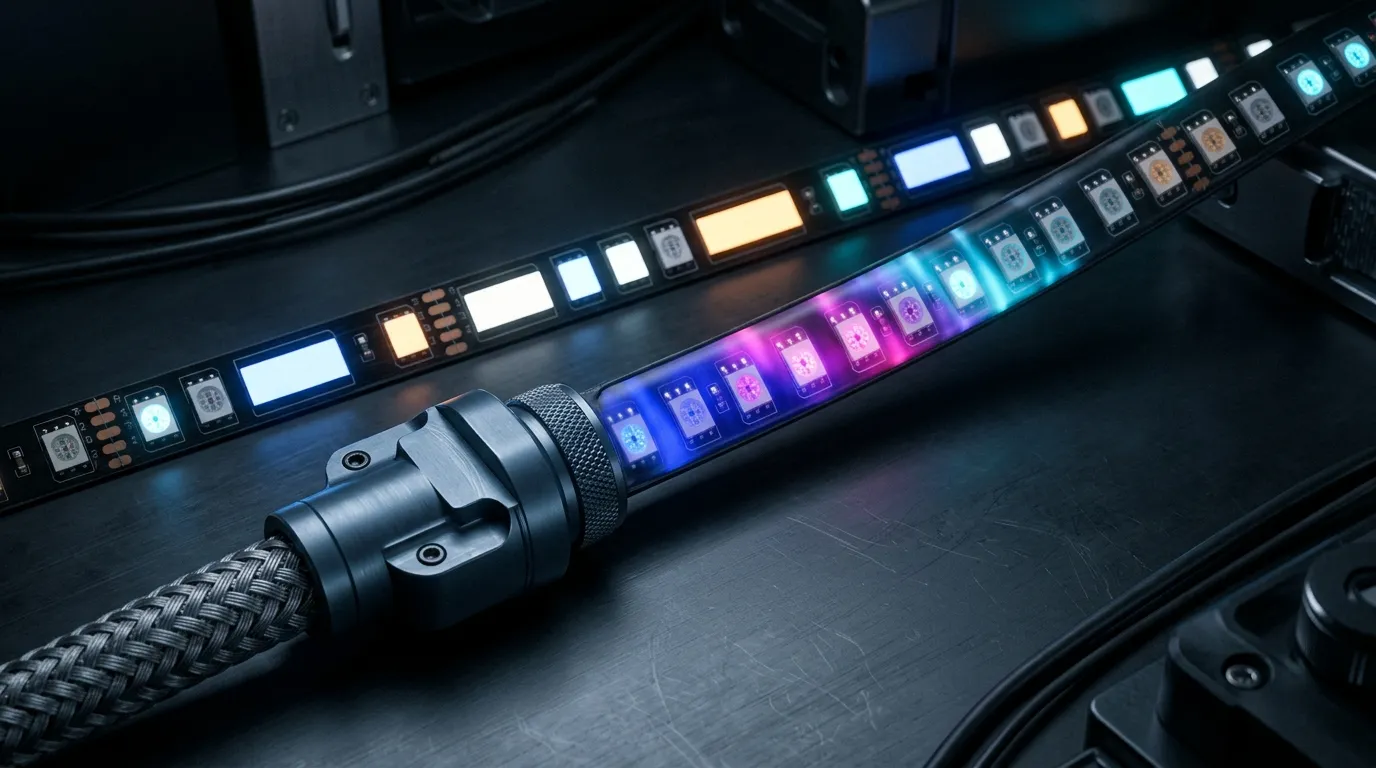
SPI vs PWM vs DMX: How Pixel LEDs Are Driven
SPI vs PWM is not a real choice: PWM sets brightness inside each pixel, SPI carries the data, DMX handles addressing. Here is which layer decides your project.
Which addressable driver IC to specify — WS2811, WS2812B, WS2815, SK6812, TM1814, UCS1903 — and how Art-Net, DMX512 and SPI change what you can build.
Choose the LED fixture and its driver IC together, then match the controller output, network input and software. An IC name alone does not specify a complete lighting system. Use this guide to identify what needs checking, then open the detailed comparison for that decision.
Decide whether the installation needs individual points, groups of LEDs, or whole fixtures to change together. Record the number of independently controlled pixels per zone—not just the number of LED packages or metres of strip. RGB and RGBW also need different channel maps; a dedicated white channel is a fixture requirement, not a feature that every IC variant provides.
For strip projects, use the pixel LED strip selection guide to settle colour channels, pixel grouping and supply requirements before selecting control hardware.
An external driver and an integrated driver create different fixture layouts. Neither the family name nor the package appearance establishes the finished strip's voltage, cut unit, current or environmental rating. Ask for the exact fixture model, IC variant and current datasheet.
Art-Net transports DMX data over Ethernet. A receiving node or controller converts that data into the output required by the fixtures. Art-Net support therefore does not, by itself, establish support for a particular pixel IC. The official Art-Net terminology explains this network-to-output distinction.
Use this check sequence when comparing a controller:
Decision | What to verify | Where to continue |
|---|---|---|
Network input | The software's output and the receiving hardware's documented Art-Net or sACN support | Compare network protocols |
Fixture output | Exact pixel IC/timing or DMX fixture mode, signal level, connector and pinout | Check the fixture and controller manuals together |
Addressing | Colour order, channels per pixel, start addresses and zone map | Prepare a pixel and channel schedule |
Capacity | Pixels per port, total supported load, refresh conditions and physical outputs | Estimate first, then verify the model rating |
Read DMX512 vs Art-Net for the transport and wiring decision, or sACN vs Art-Net when choosing between network inputs. Do not infer the controller's output compatibility from either protocol label.
Enter the independently controlled pixel count and channel map into the controller capacity calculator. Use its assumptions to estimate channels, universes and ports. Network universes are not physical output ports, and the estimate is not a controller rating.
Check the actual model's supported ICs, per-port and total limits, refresh requirements, addressing behaviour and software configuration. The PILEDS LED controller range is the next place to compare available control options, not a promise that every listed controller suits the same fixture.
For a network-controlled ceiling installation, the MADRIX LED ceiling system shows how fixtures, control, power distribution and cabling fit into one specification. Confirm software version and licensing against the final output configuration; hardware compatibility and software capacity are separate checks. See the MADRIX software documentation for its universe and patching terminology.
Use the project RFQ / BOM template to send PILEDS the fixture model or candidate, IC variant, RGB/RGBW map, pixel count by zone, desired effect, software version and network/output requirements. Mark unknown items for confirmation. A written compatibility check and a representative sample test should precede the final system order.
SPI vs PWM is not a real choice: PWM sets brightness inside each pixel, SPI carries the data, DMX handles addressing. Here is which layer decides your project.
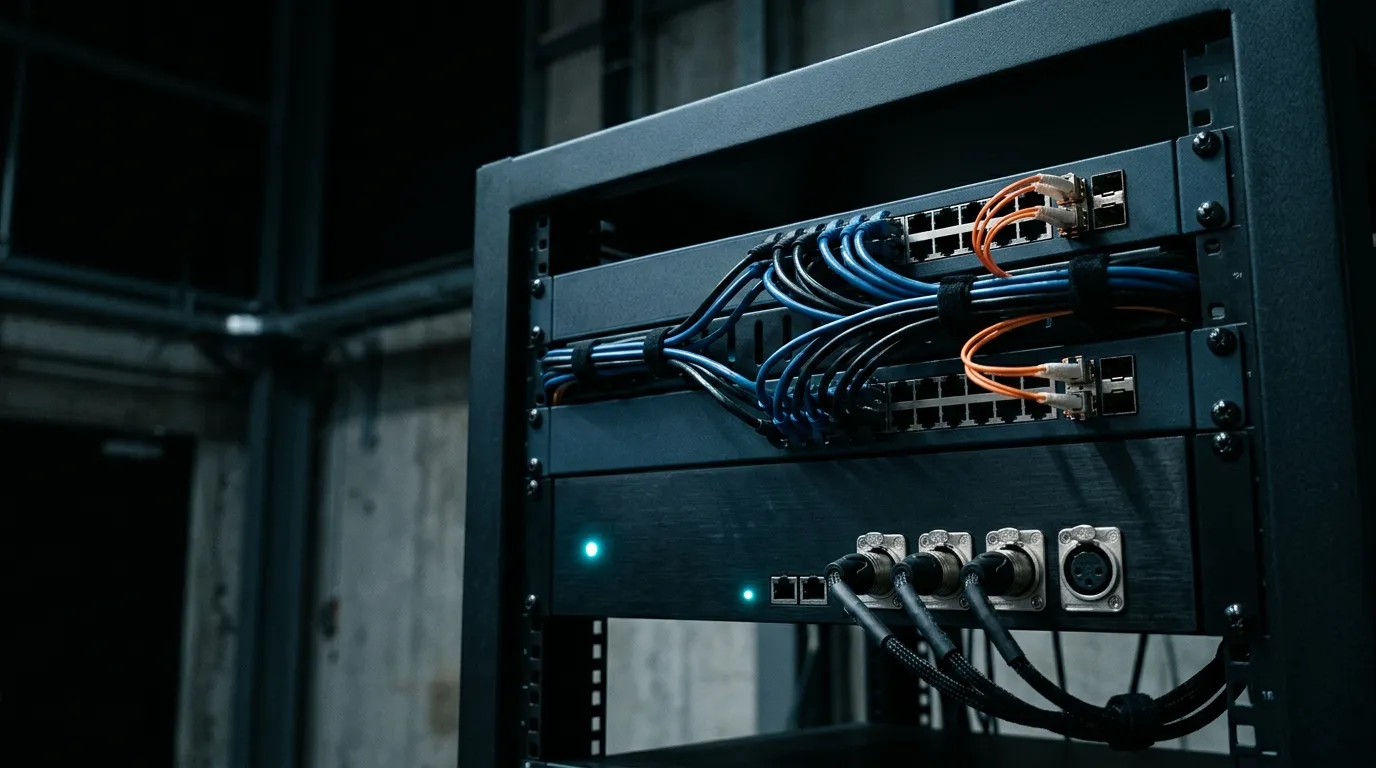
sACN and Art-Net both carry 512-channel DMX universes. What separates them is multicast versus unicast, priority arbitration, and what your nodes already speak.
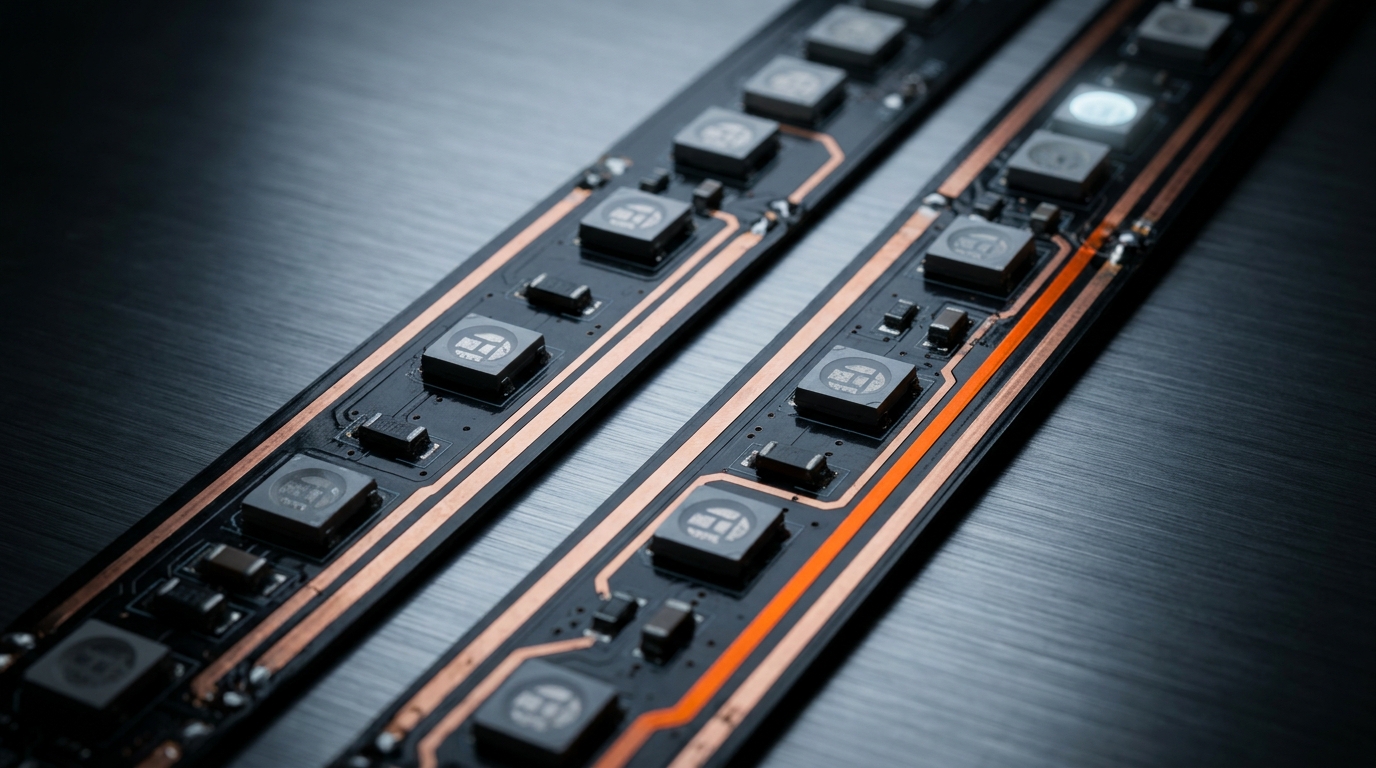
WS2815 vs WS2812B: the 12 V rail cuts power-injection points and the second data line survives a dead pixel. What each buys, with datasheet conditions.
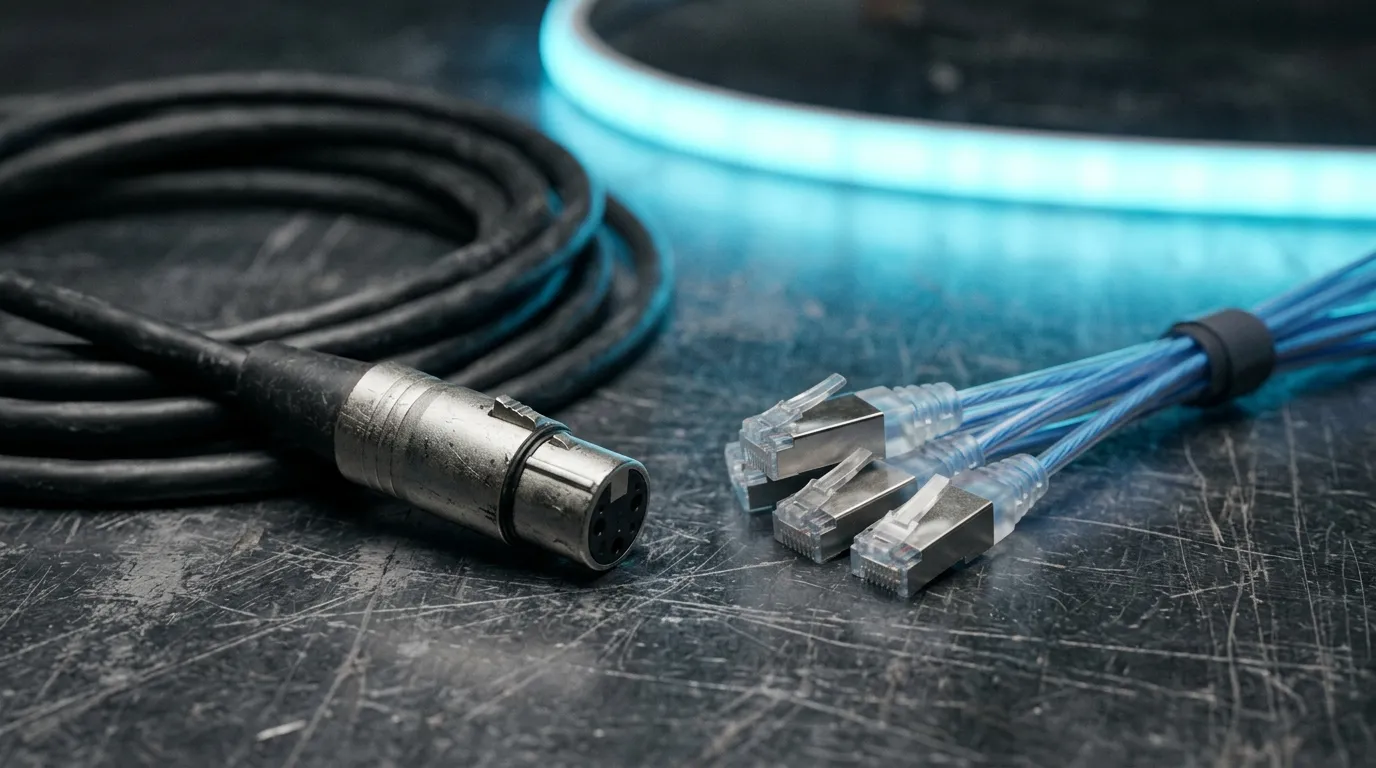
DMX512 vs Art-Net is a wiring decision, not a speed contest. Four questions — pixel count, port count, offline operation, on-site Ethernet — settle it.
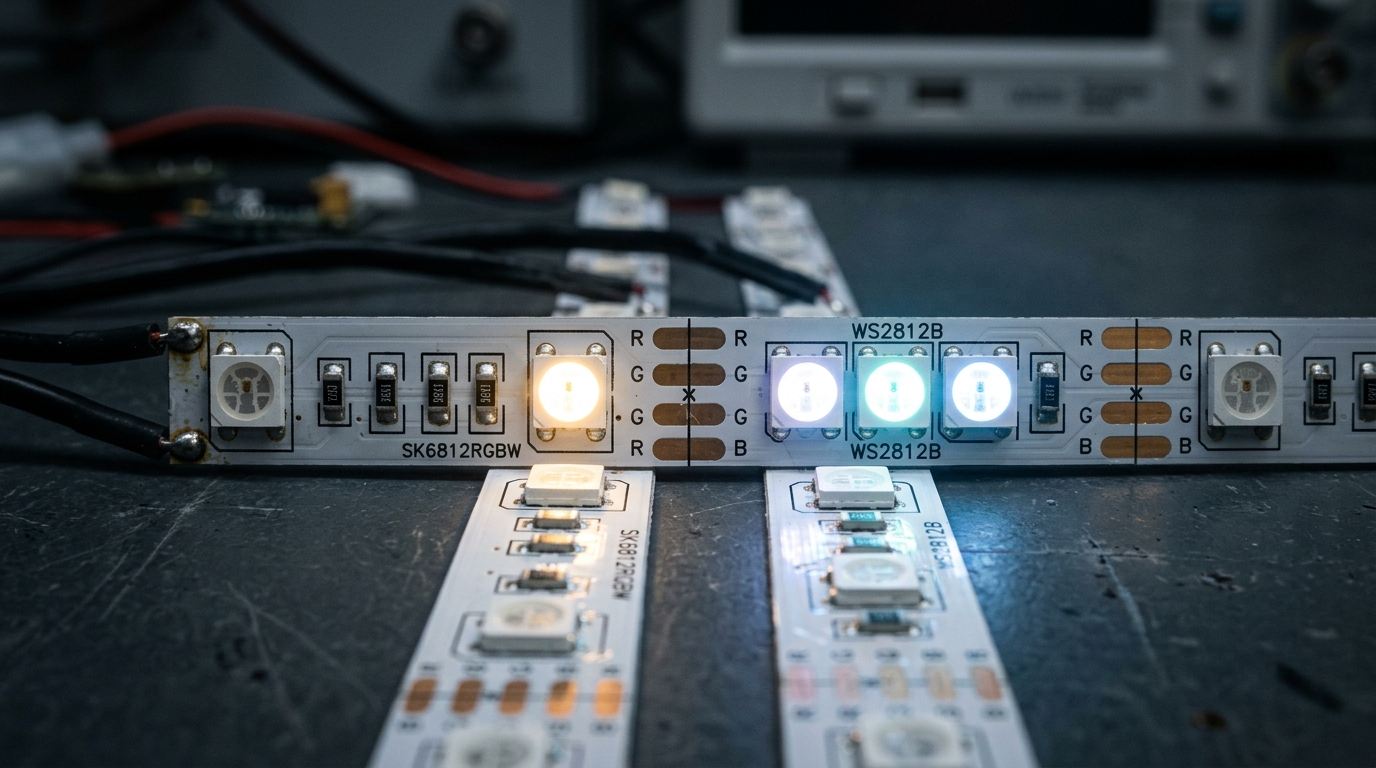
SK6812 vs WS2812B: the only real difference is the RGBW white channel. Compare protocol, power, voltage drop and PWM, then spec the right chip for your project.
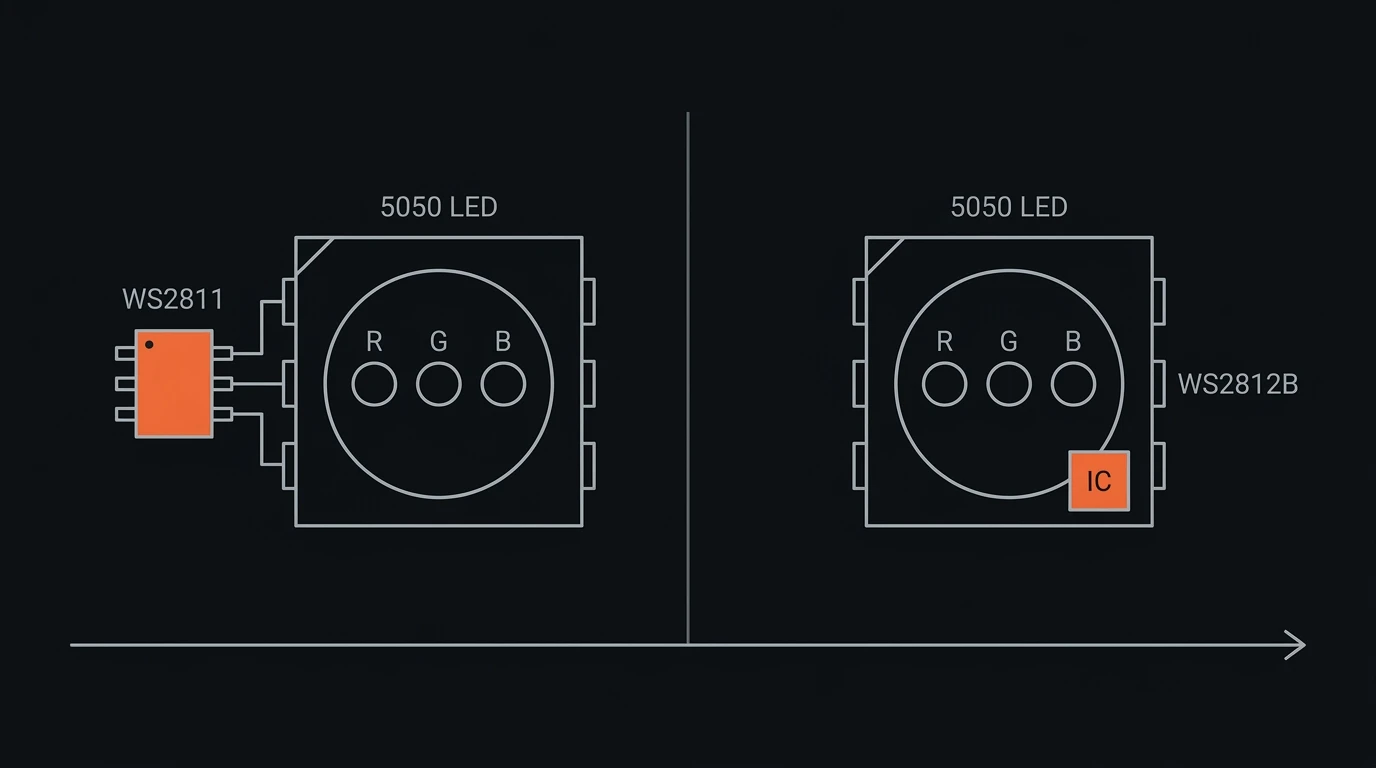
WS2811 vs WS2812B for real installations: why the IC is not the voltage, what the 3-LED cut unit costs you, run lengths, repairs, and how to spec each one.
Send the spec — pitch, IC, IP class, run length, voltage — and you get an engineer's answer, not a catalogue. Samples and OEM/ODM quotes from the Shenzhen factory floor.